

Features
Pro Audio: wake tracks written to get you out of bed
Ten produced tracks, six free tones, and your own voice or song as the alarm. What each sound is for, and how to choose the one that actually gets you up.
By Daniel & Samuel Krucay, co-founders of Wakeletics
· 1 October 2026 · 5 min read
Wakeletics is coming soon to iPhone. This is how it works in the app. Until it is in the App Store, wakeletics.app walks you through all of it.
The sound is the first thing your morning hears, and most alarm apps give it about as much thought as a microwave beep. Wakeletics has three kinds of wake sound: six free tones, a library of produced Pro Audio tracks, and, with Pro, sounds you make yourself.
Whatever you pick, it loops until you're moving. It doesn't stop after one playthrough and leave you lying there. The alarm ends when the reps are done.
The Pro Audio library
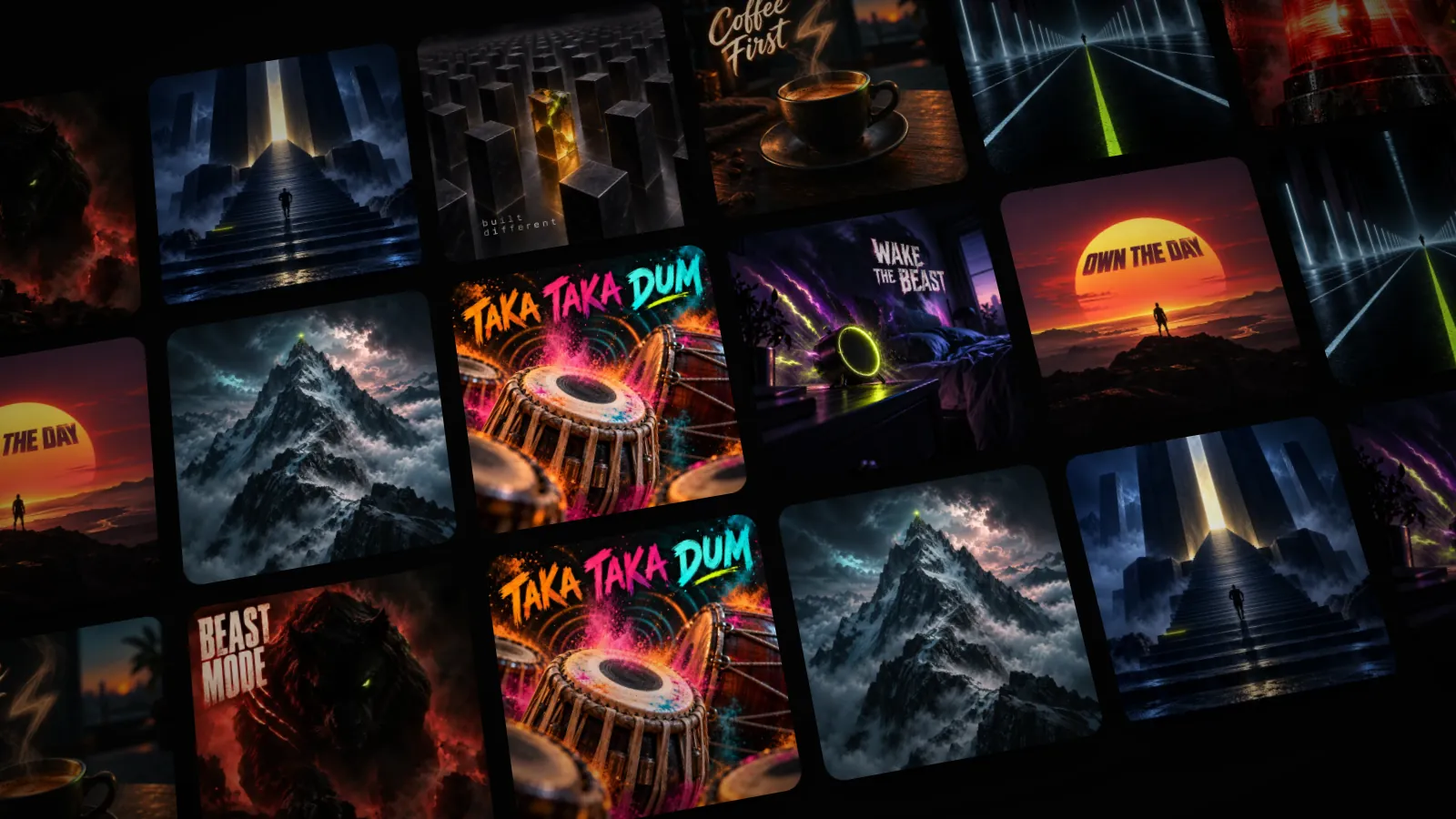
Pro Audio is a set of produced wake tracks, written and recorded to get someone out of bed. Some have vocals and are labelled Lyrics in the picker. Others are instrumental and labelled Wake track. There are ten now, and the library keeps growing.
 Beast ModeLyrics
 Become EliteLyrics
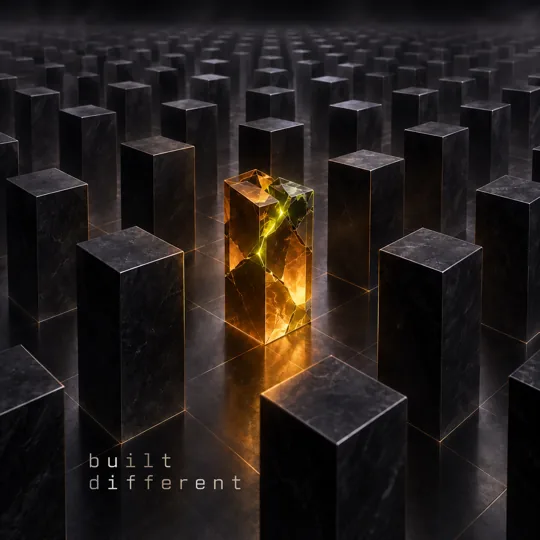 Built DifferentLyrics
 Coffee FirstLyrics
 DisciplineWake track
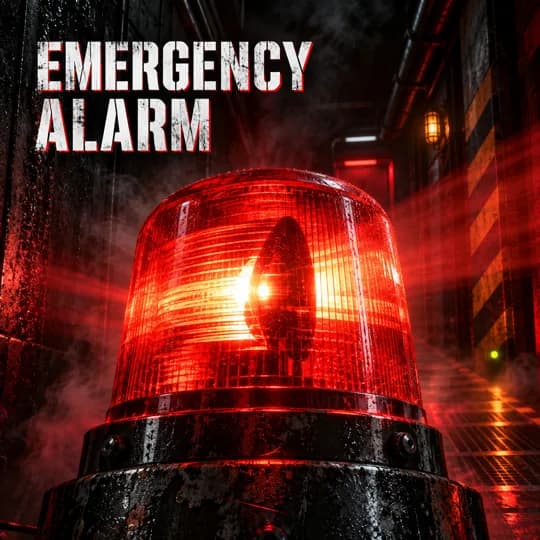 Emergency AlarmWake track
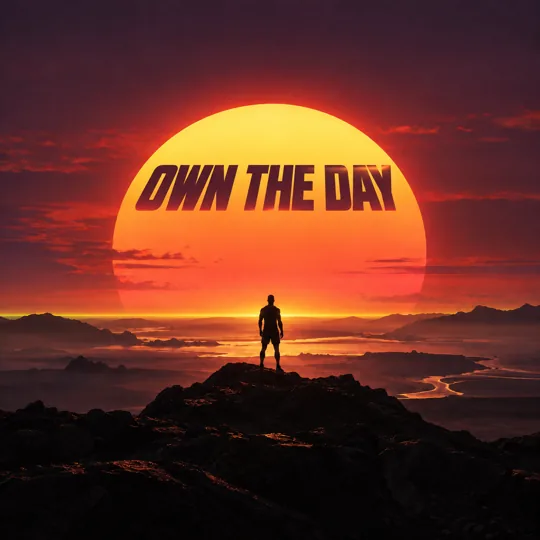 Own The DayLyrics
 Reach The ApexLyrics
 Taka Taka DumWake track
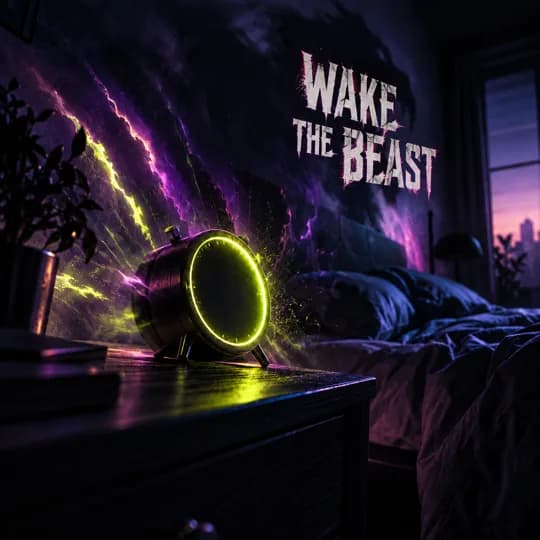 Wake The BeastLyrics
A quick guide to choosing:
- For a slow riser: Own The Day or Reach The Apex. They have words, they build, and they feel like the start of something.
- For a heavy sleeper: Emergency Alarm. It is exactly what it says.
- For a smile at 6 AM: Coffee First, or Taka Taka Dum.
- For training days: Beast Mode, Wake The Beast or Built Different.
Playing a track in the picker is free. Setting one as your alarm takes Pro. If Pro ever ends, an alarm that already rings with a Pro track keeps it.
The six free tones
Every Wakeletics tone is free and stays free. There are six, in three moods:
- Urgent: Earn It and Sprint. Straight in, no warm-up.
- Rhythmic: Pulse and Summit. A steady beat that is hard to sleep through.
- Gradual: Sunrise and Ascend. They start soft and climb.
If you aren't sure, start with a gradual tone and keep the backup rings on Standard. If you keep sleeping through it, move to an urgent tone before you raise the number of backup rings.
Your own sound
With Pro you can make the alarm yourself, in two ways:
- Record. Say whatever gets you up, in your own voice or a friend's. Up to 25 seconds. It loops until you're moving, so "Get up. You promised." gets said a lot.
- Import. Bring an audio file you own, pick where it starts with a slider, and Wakeletics cuts 25 seconds from there. It adds a short fade at each end, so the loop has no click. Songs from Apple Music are copy-protected and can't ring as an alarm, so you need the file itself.
Your sounds stay on your iPhone and are never uploaded. They ring the same way as any Wakeletics tone. To rename or delete one, press and hold it in the picker.
Where to change it
Open an alarm, tap Alarm Sound, and pick. Each alarm has its own sound, so a weekday alarm can be urgent and a Sunday one gentle. If you're setting up for the first time, the step-by-step alarm guide covers the rest of the screen.
Keep reading
All articles →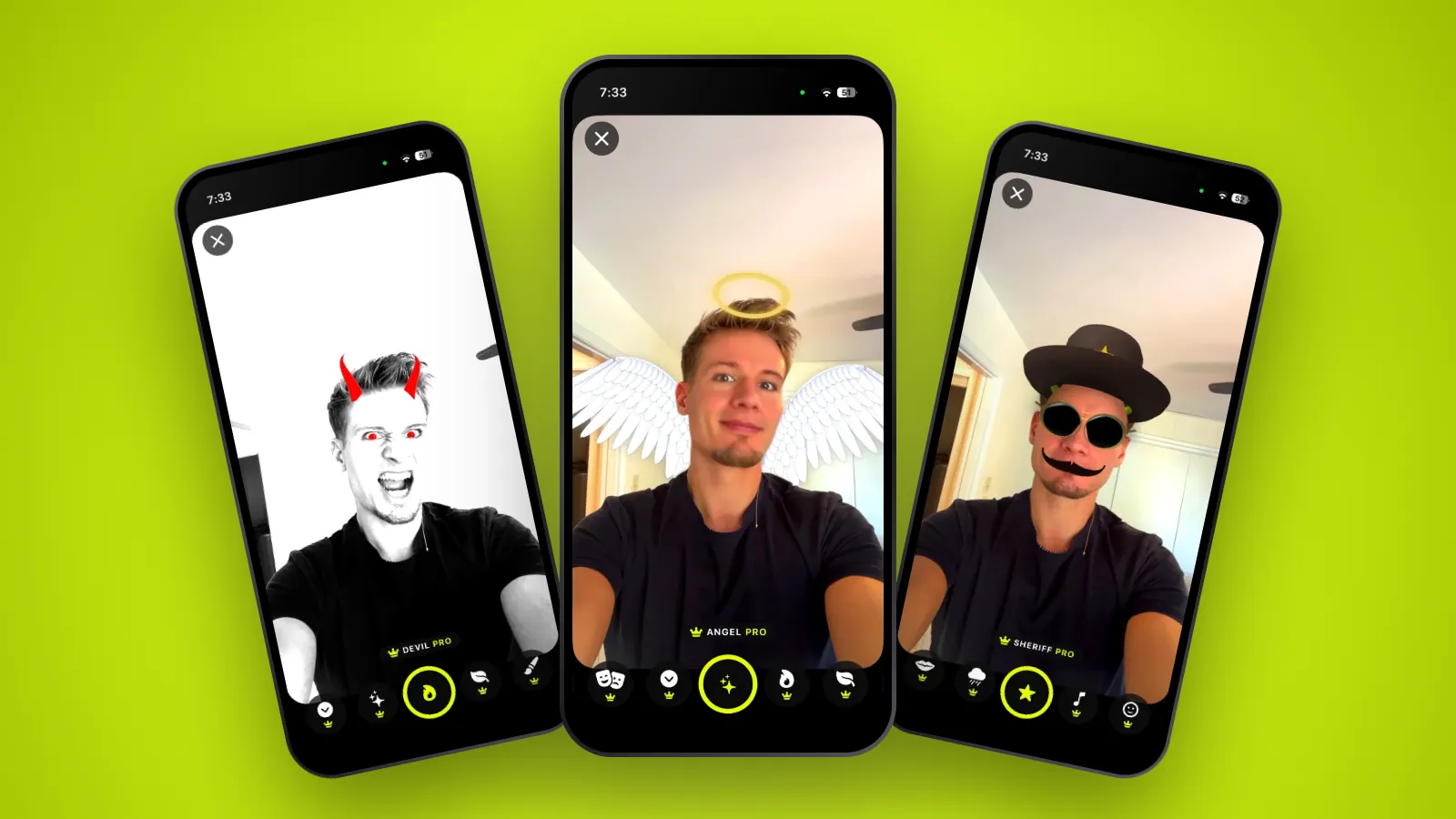 Features
Share Studio: lenses, cards and what your morning says
Seventeen selfie lenses you try on live, a card you build from your own numbers, and the share sheet. Everything you can share, and how it works.
2 October 2026 · 7 min read
 Features
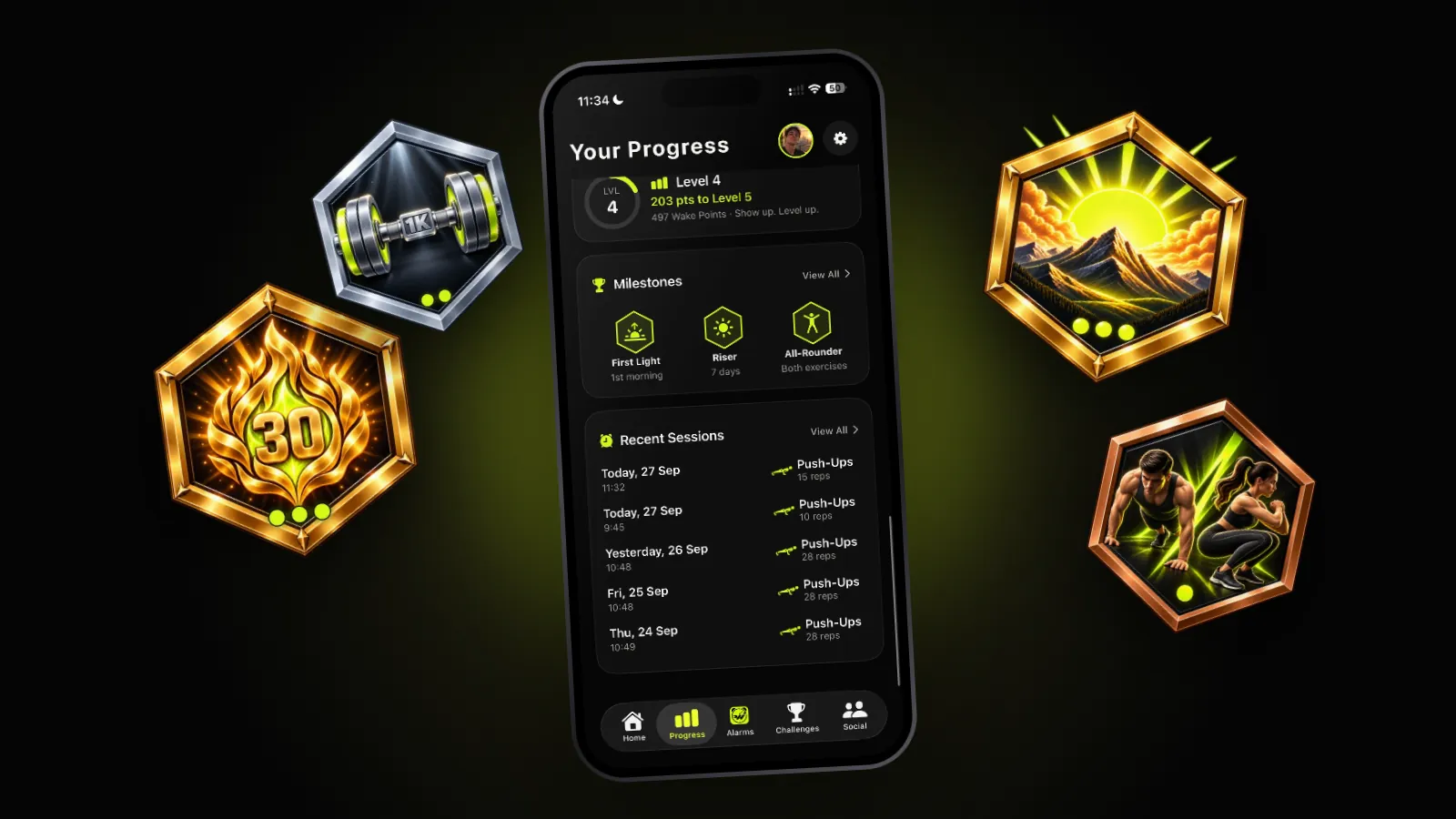
Achievements: seven milestones, and why there are so few
First Light, Riser, Steady, Master, First 100, Thousand and All-Rounder. What each one asks for, where you find them, and why none of them is for sale.
30 September 2026 · 5 min read
 Features
Weekly challenges: something for this week to aim at
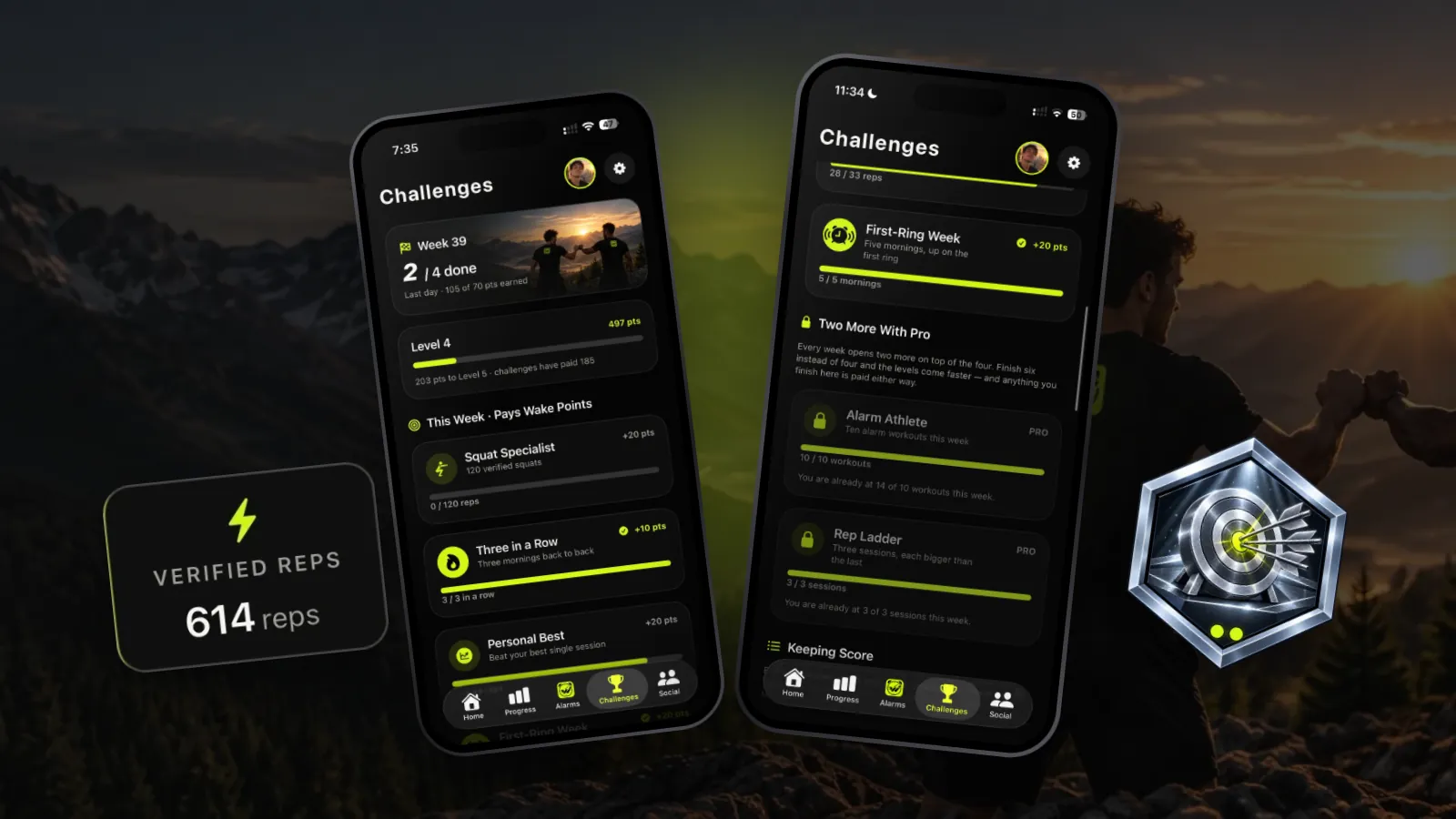
Four new challenges every week, two more with Pro, the same set for everyone, and Wake Points for each one you finish. How they work, and the ones worth chasing.
29 September 2026 · 5 min read
Coming soon to iPhone
Wake up to something.
A tone that gets more urgent, a track with words in it, or your own voice telling you to move. The alarm plays until you do.
Not in the App Store yet. wakeletics.app walks you through the whole app.