

Features
Share Studio: lenses, cards and what your morning says
Seventeen selfie lenses you try on live, a card you build from your own numbers, and the share sheet. Everything you can share, and how it works.
By Daniel & Samuel Krucay, co-founders of Wakeletics
· 2 October 2026 · 7 min read
Wakeletics is coming soon to iPhone. This is how it works in the app. Until it is in the App Store, wakeletics.app walks you through all of it.
A selfie taken a minute after getting up is the photo most people least want to post: bed hair, pyjamas, the face of someone who just did fifteen push-ups. But a card only travels if the person who earned it is on it. So the Share Studio makes being on it easy. Hide your face, flatter it, or turn the whole thing into a joke you're in on.
Where it starts
When a morning is earned, the Morning Earned screen has two buttons: SHARE and DONE. DONE closes it, and nothing is made or sent. SHARE opens the Share Studio. Sharing is always your choice, and the app never posts anything by itself.
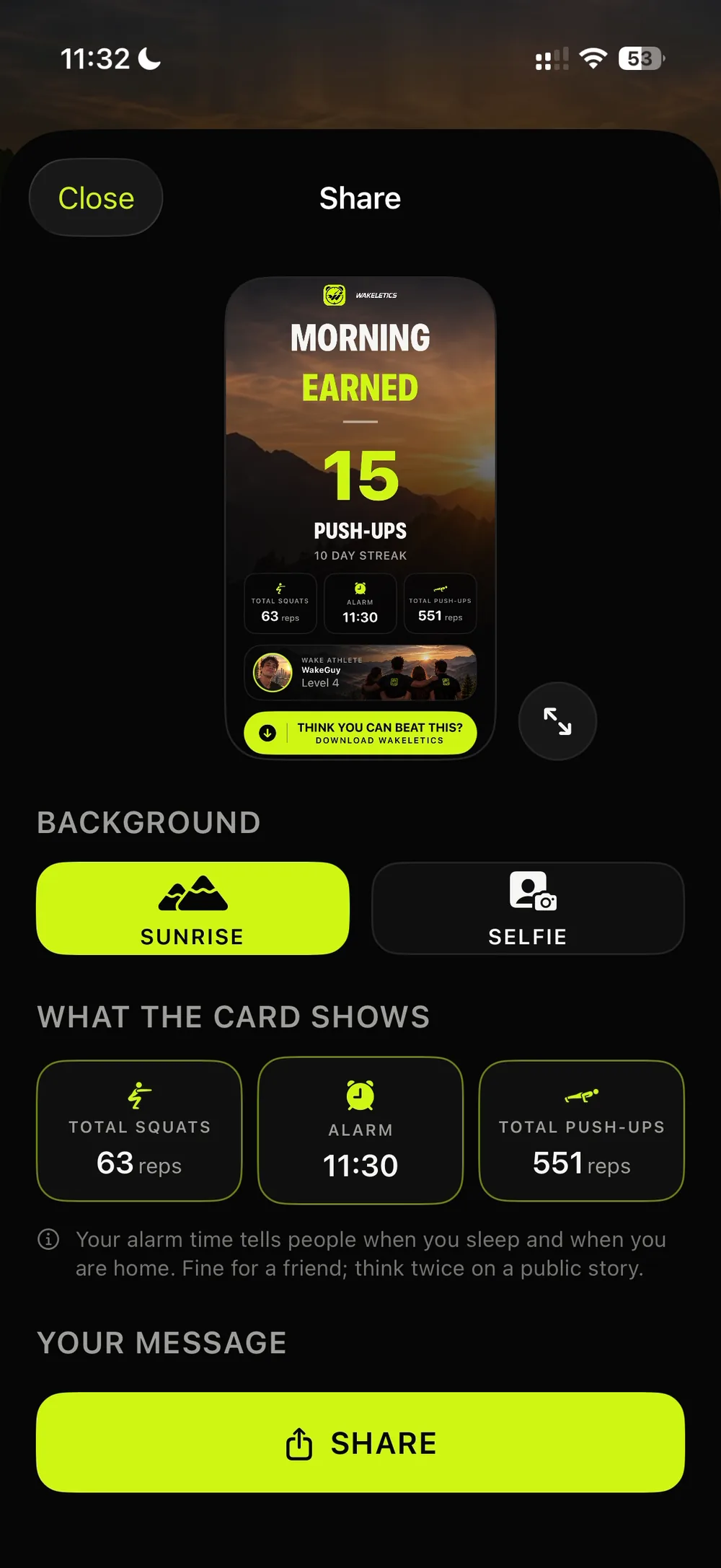
Pick a background: sunrise or selfie
The card has two possible backgrounds.
- Sunrise. The Wakeletics mountain sunrise. There's nothing personal in it, and it's ready the moment the studio opens.
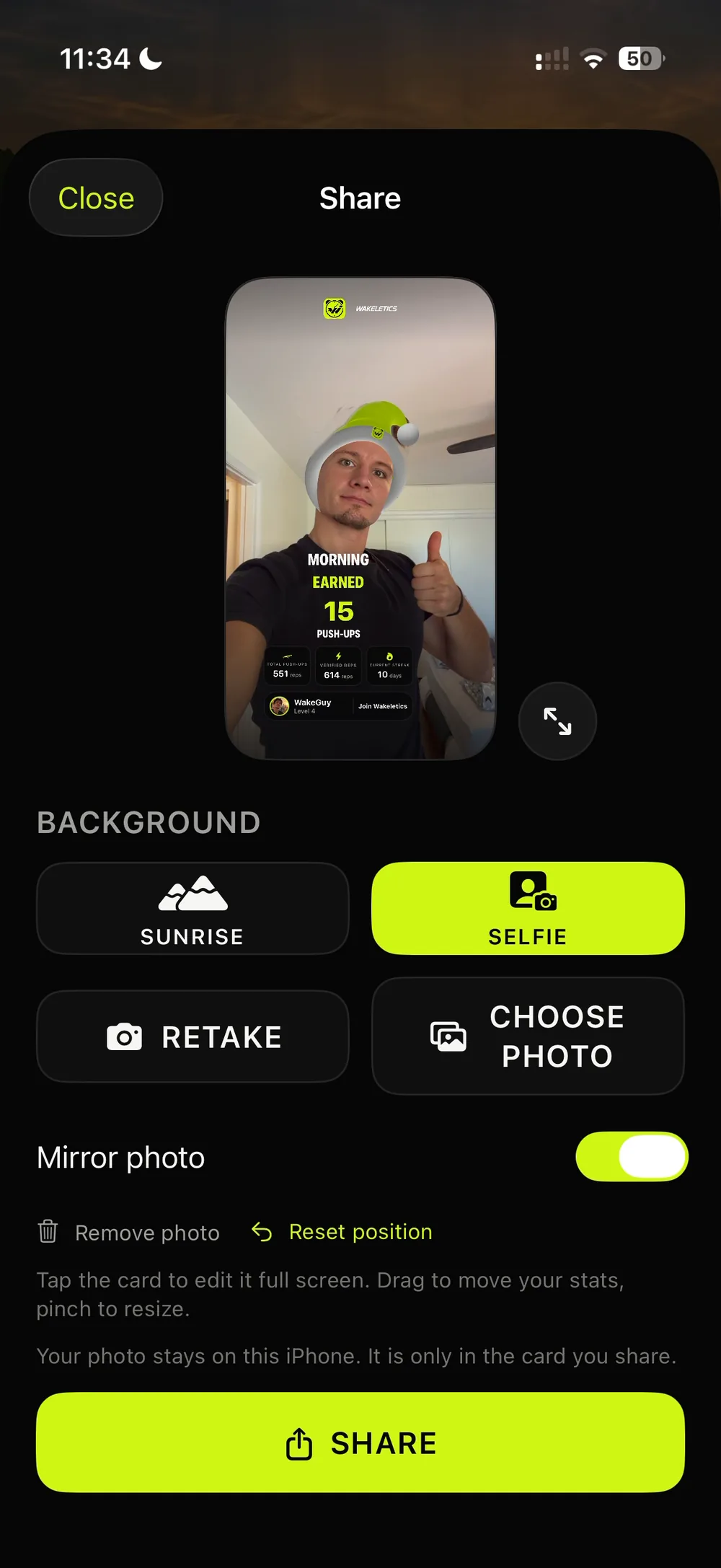
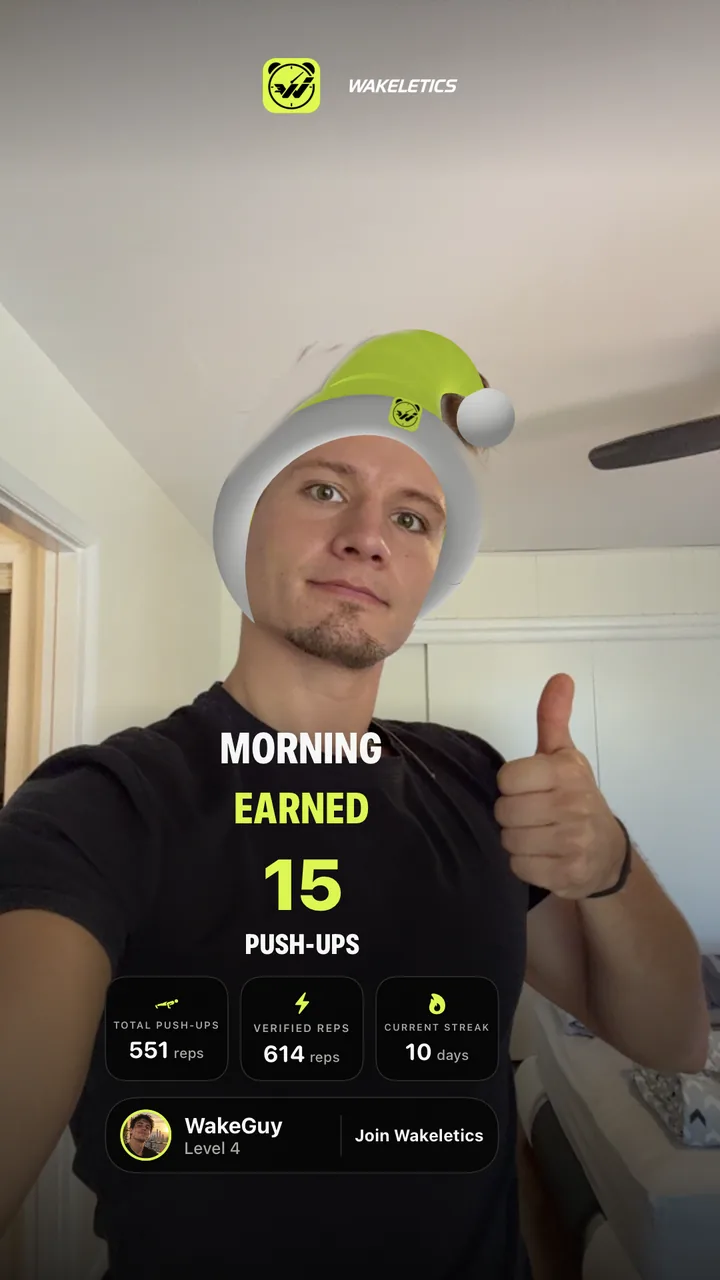
- Selfie. Take one with the camera, framed exactly as the card will be, or Choose Photo from your library. A chosen photo is fitted whole, with a soft blurred copy filling the edges, so nobody's face gets cut off the side of their own card.
Lenses, live, before the shutter
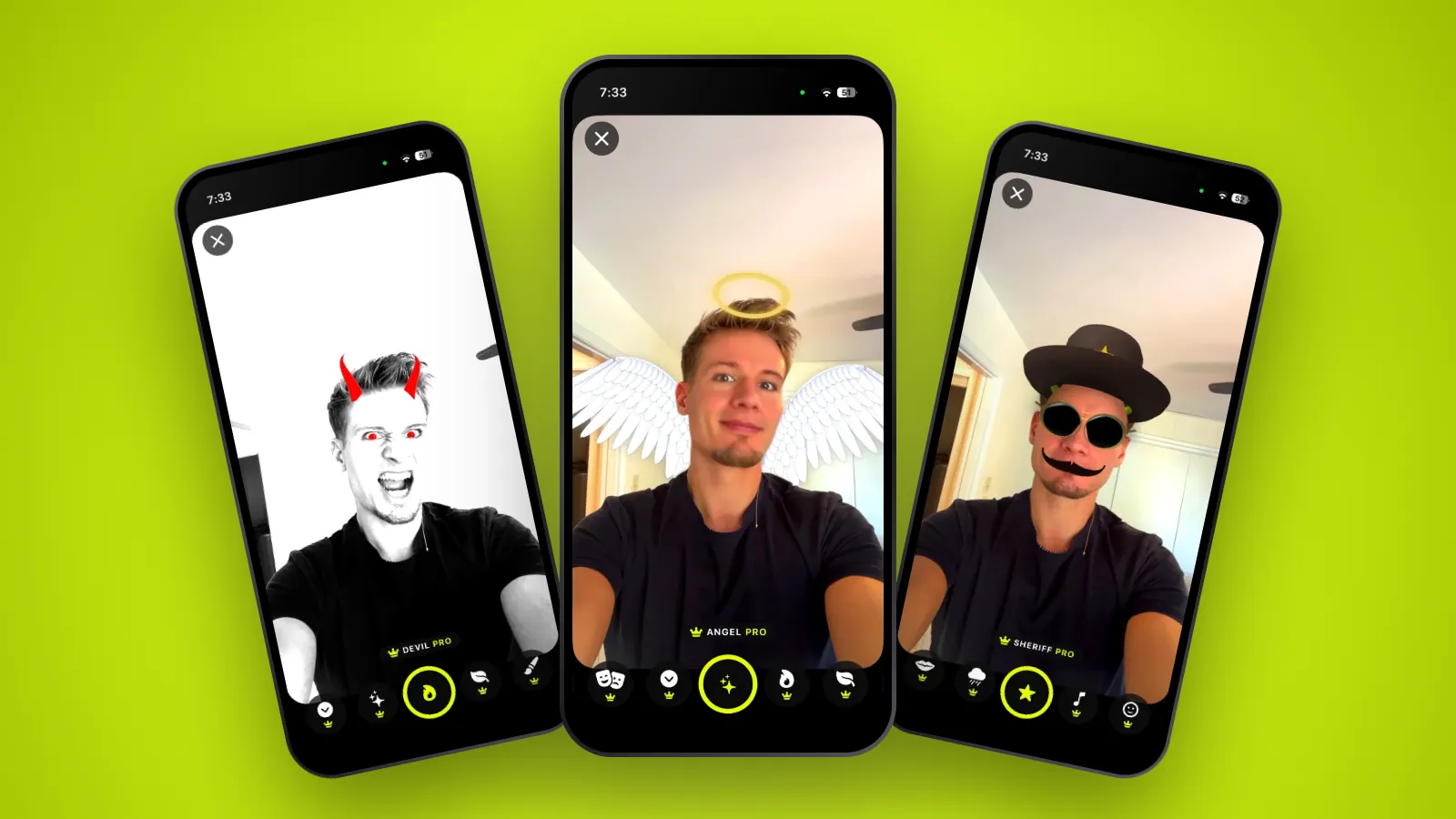
The selfie camera has a row of lenses along the bottom. Each one works live: what you see on your face in the viewfinder is exactly what goes on the card. Swipe through them, pull a face, and press the shutter when one works.
Three are free:
- Sleep Cap: the Wakeletics nightcap, with a pompom on a spring.
- Shades: Wakeletics sunglasses with a lime frame.
- Wallpaper: replaces the room behind you with Mountains, Forest, Dock or Lime Glow. It hides the bedroom, which is also the part of a morning selfie that gives away where you live.
Fourteen come with Pro. They fall into four groups:
- Fun: Still Asleep, Alarm Halo, Laser Eyes, Morning Brush, Rough Morning, Sheriff, Retro Stache, Baby Face and Caricature.
- Looksmaxxing: Hunter.
- Beauty: Angel, Devil and Spa Mask.
- Make-up: Makeup On.
A few of them react to you. Alarm Halo's clocks ring when you open your mouth or close your eyes. Laser Eyes cut out when you blink. Still Asleep's Z's pour faster when your eyes are shut.
 Rough MorningPro
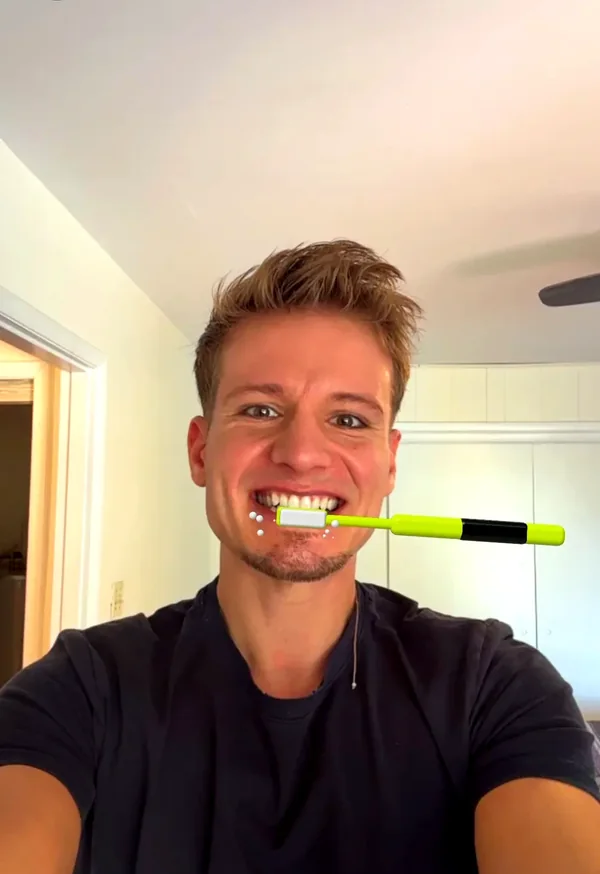 Morning BrushPro
 AngelPro
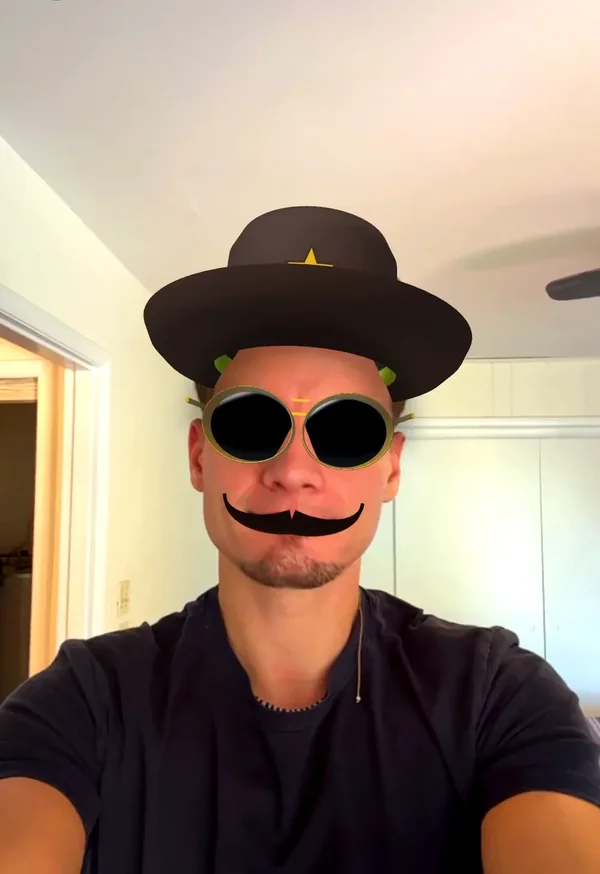 SheriffPro
Build the card
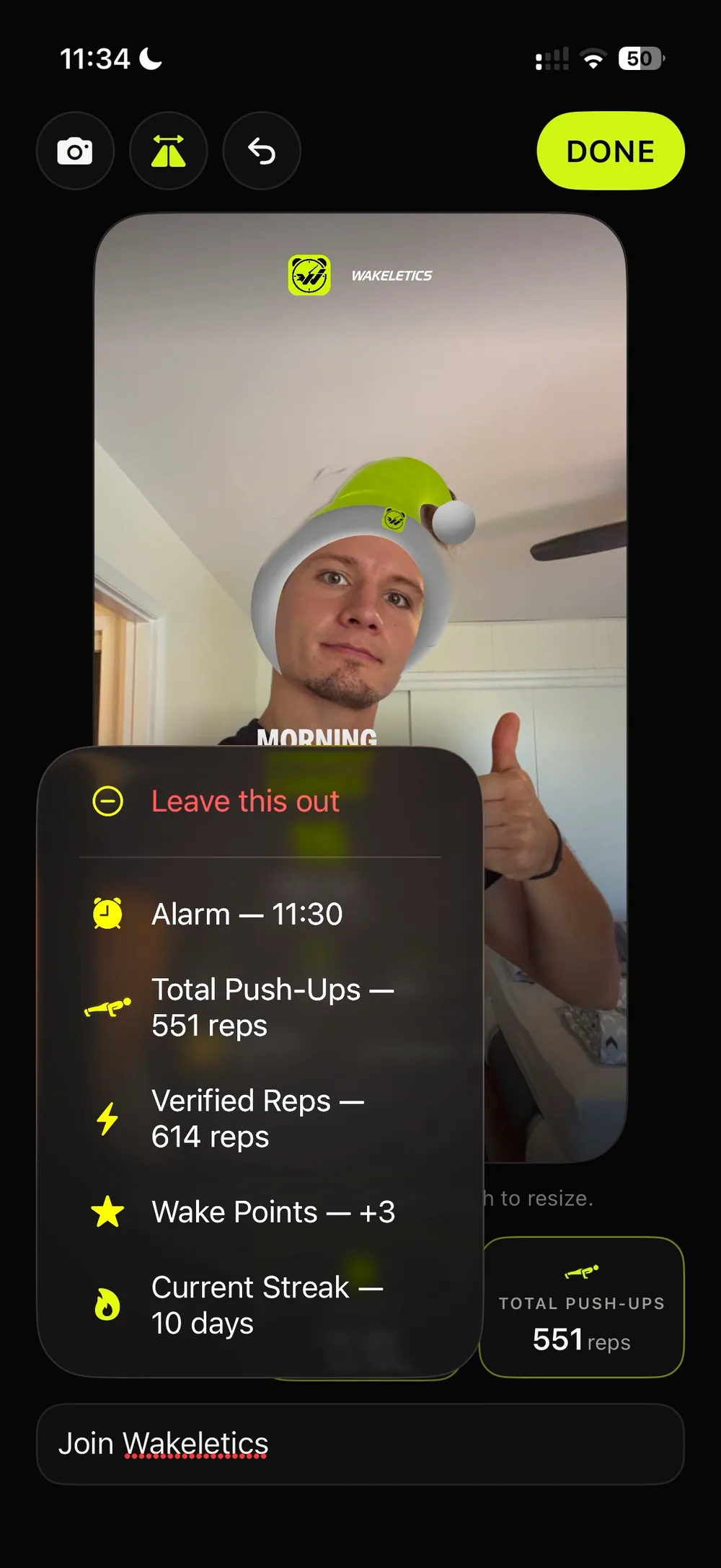
The card is your morning in numbers. It always has the reps you just did, and under them there are three slots. Tap a slot to swap what it shows, or take it off the card with Leave this out. The app only offers numbers this morning actually earned, so a slot is never a zero or a blank:
- your current streak and your best streak
- the Wake Points this morning paid
- Woke up on the first ring
- a weekly challenge you finished, or an achievement you unlocked
- your total push-ups, total squats or verified reps
- the time your alarm rang
The alarm time is never on by default. It's in the list and one tap away, but posted every morning for a month it tells strangers when you're asleep and when you're at home. Woke up on the first ring is the better boast anyway, and it gives nothing away.
On a selfie you can drag and pinch the block of numbers off your face, the way a sticker works everywhere else. Reset position puts it back.
Under the card there is a field for your message, up to 48 characters. Leave it empty and the card carries the house dare, THINK YOU CAN BEAT THIS?, with DOWNLOAD WAKELETICS under it for anyone who doesn't have the app yet. Write your own line and the card says that instead.
Share it anywhere, or nowhere
SHARE opens the iPhone share sheet with the finished card as an image, sized 9:16 for a Story. Where it goes is up to you: Messages, WhatsApp, Instagram, anything else your phone offers, or Save Image to keep it in Photos. Wakeletics has no feed of its own and posts nothing for you.
If you post it publicly, use #EarnYourMornings and #EarnYourMorningsOwnTheDay.
What happens to your photo
- The selfie is taken only when you press the shutter, and it lives on your phone. It leaves only when you share it or save it.
- The lenses run on the phone itself. Face data is used only to draw the lens you chose. It is never stored and never sent anywhere.
- The card's layout is remembered for next time. The photo and your message are not, because they belong to this morning.
Keep reading
All articles → Features
Pro Audio: wake tracks written to get you out of bed
Ten produced tracks, six free tones, and your own voice or song as the alarm. What each sound is for, and how to choose the one that actually gets you up.
1 October 2026 · 5 min read
 Features
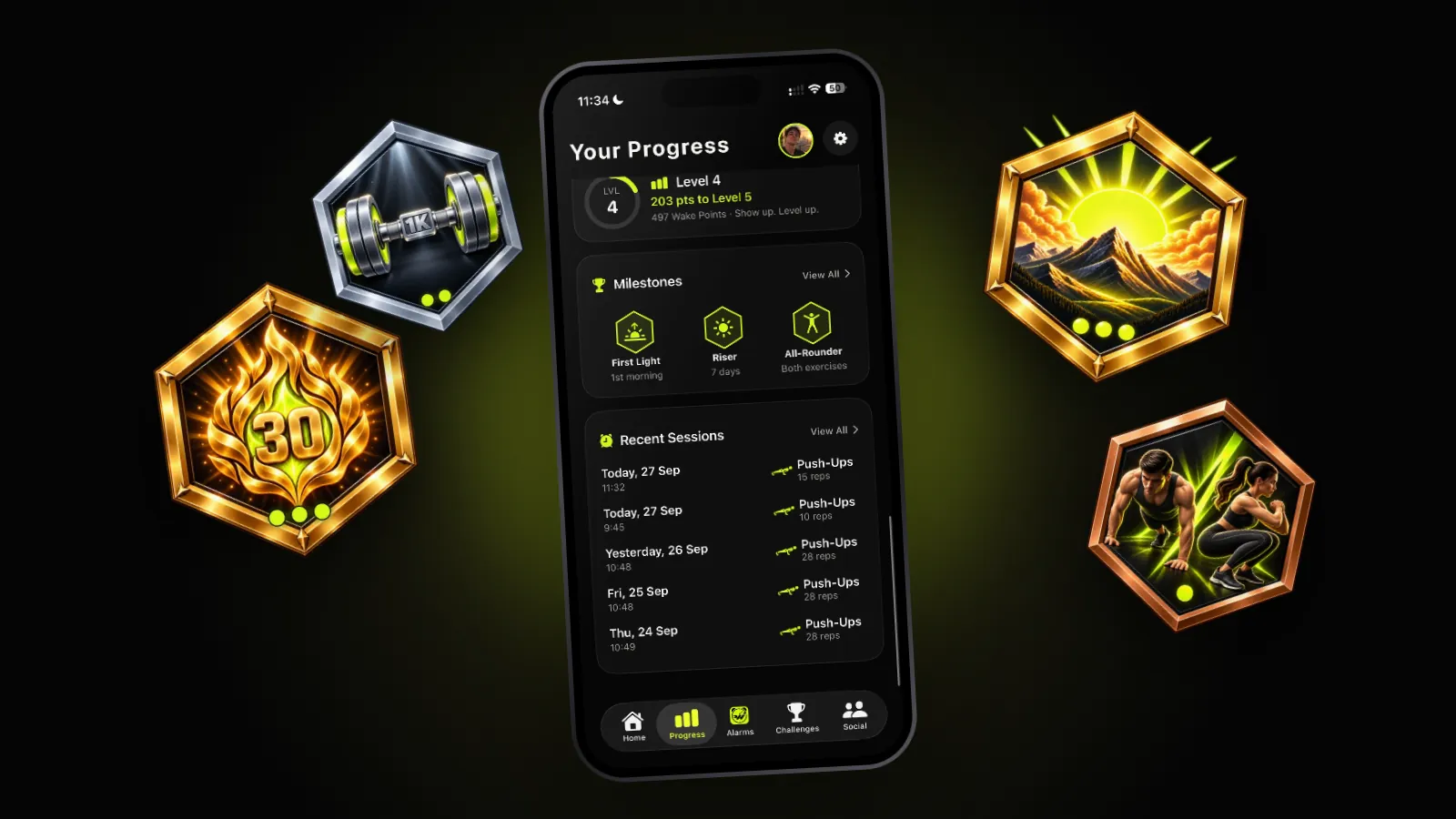
Achievements: seven milestones, and why there are so few
First Light, Riser, Steady, Master, First 100, Thousand and All-Rounder. What each one asks for, where you find them, and why none of them is for sale.
30 September 2026 · 5 min read
 Features
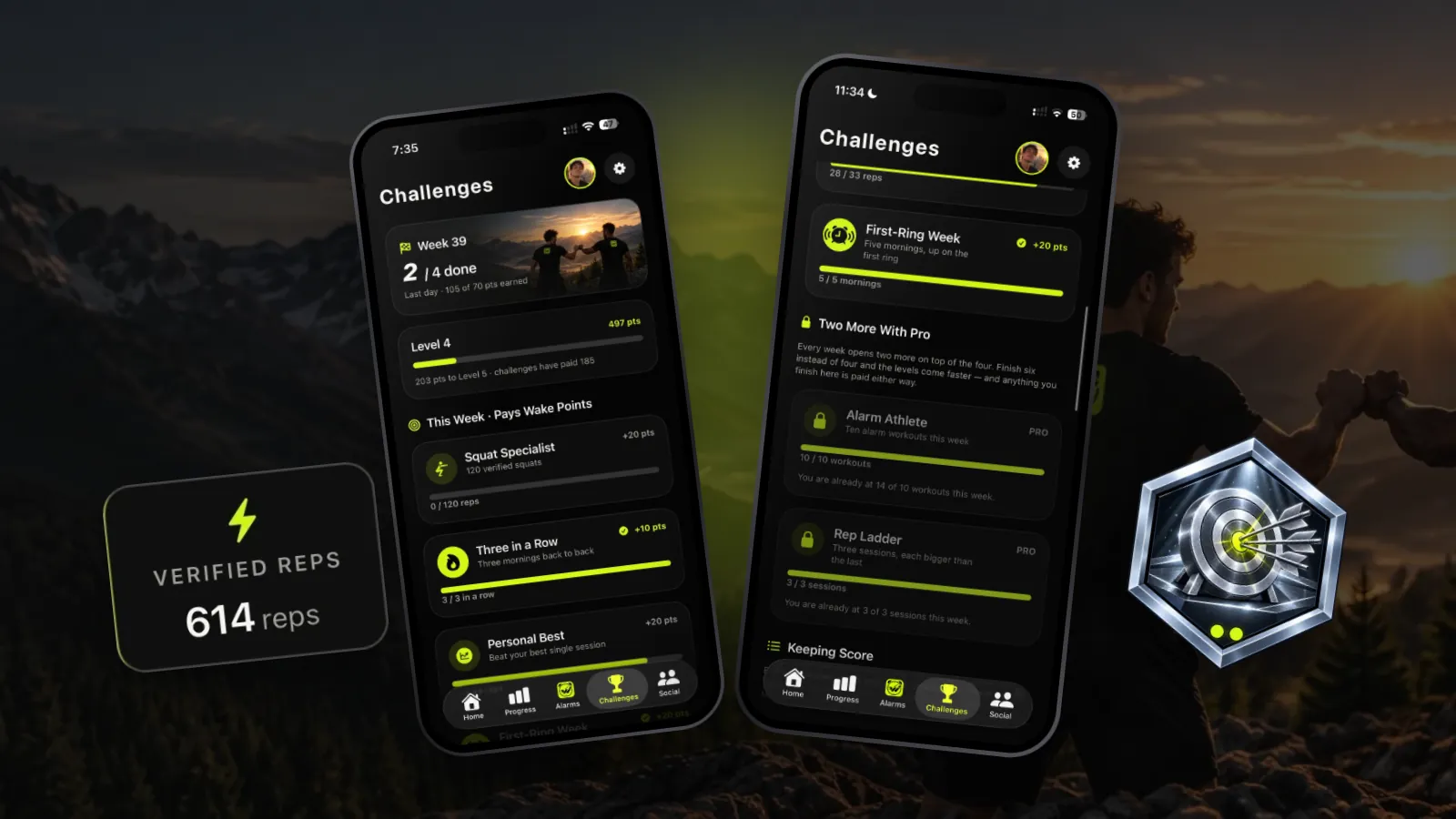
Weekly challenges: something for this week to aim at
Four new challenges every week, two more with Pro, the same set for everyone, and Wake Points for each one you finish. How they work, and the ones worth chasing.
29 September 2026 · 5 min read
Coming soon to iPhone
Think you can beat this?
That's the line on every card, and it's the reason the card gets sent. Earn the morning, then make someone else want tomorrow.
Not in the App Store yet. wakeletics.app walks you through the whole app.